

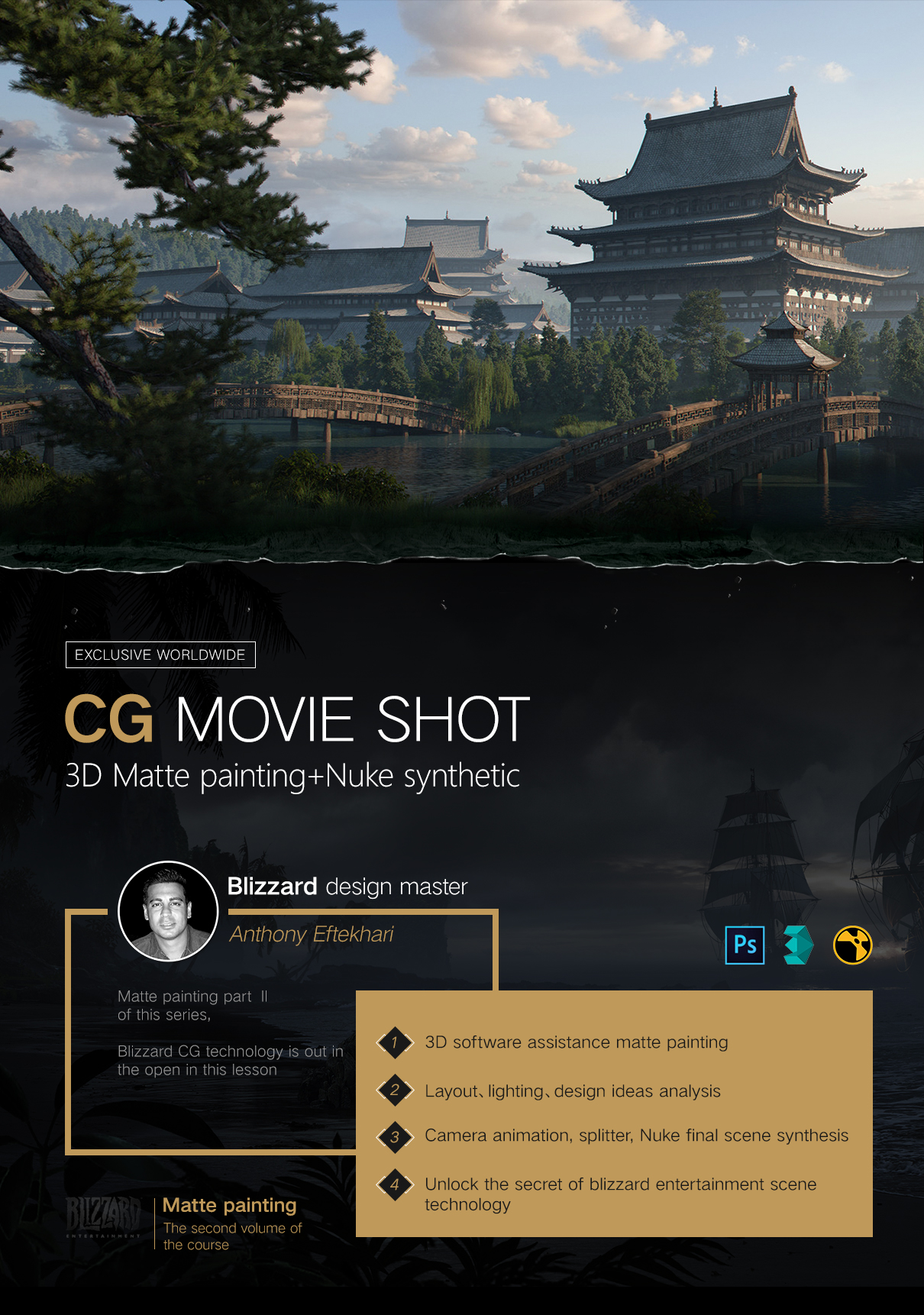
3d Cg Cinematic Scene Design By Blizzard Master Anthony Eftekhari
| Do you want to explore the mystery of CG Legend Blizzard? |
| Anthony Eftekhari will tell you in this exclusive tutorial of 3D Concept Composition and CG Cinematic Scene Design. |
| It contains three seperated cases with explanation of 3D aided concept design and dynamic scenes composition workflow on Nuke. |
| You will learn the advanced techniques by learning in-depth scene layout, lighting, and atomosphere creating. |
Notes:
This 12-hour tutorial is $83.17 during updating. After full publishment it will return to $116.5.
NOTICE: All the tutorials on our website are not available offline. Please set up an account for watching. Our website support sign up with Facebook.
Contact Us for Details:
Facebook:Alexa XuPeter Hua Eva

| Behind the legendary CG movie��What is the technology secret�� |
If you're a CG lover, and then you must know Blizzard
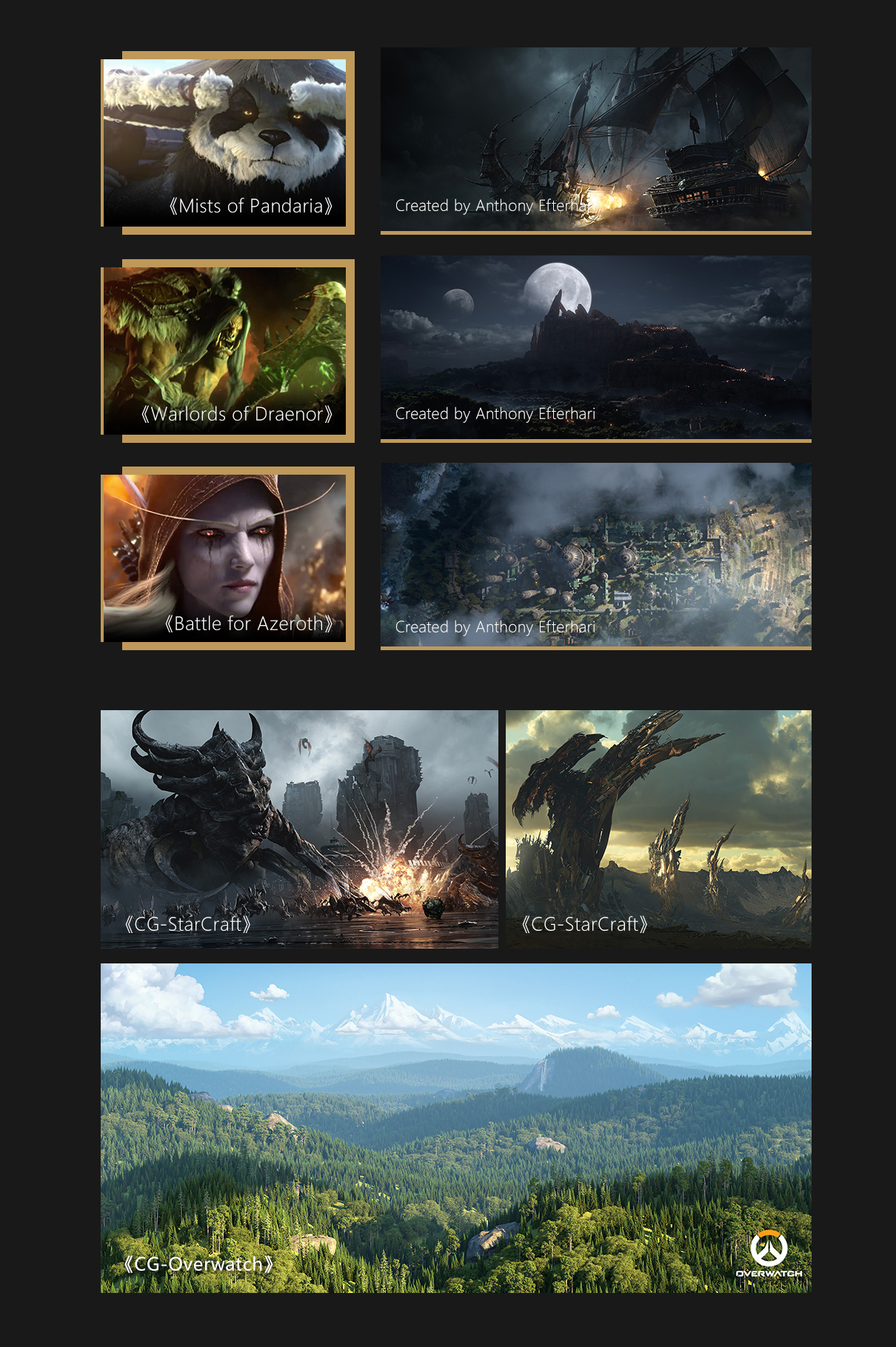
World of Warcraft series: Mists of Pandaria��Warlords of Draenor,Battle for Azeroth��and StarCraft series:Heart of the Swarm,Legacy of the void��some of those stunning scenes were created by our Matte Painting artist Anthony Efterhari! In this tutorial, you'll learn from his workflow of how to apply the light and shadow, and how to create a smooth rendering.
Ungrade your skill to next leve! This tutorial is created for you!
We got a lot of positive feedback from Chinese students on the Matte Painting Tutorial of Anthony Eftekhari and the viewing number over 1,000,000, which triggered our second cooperation. During this tutorial, Anthony Eftekhari will tell you how to create an animated shot by using 3D software and Nuke and uncover his workflow in Blizzard.
| Walk you through the 3D concept art and animated shot creation |
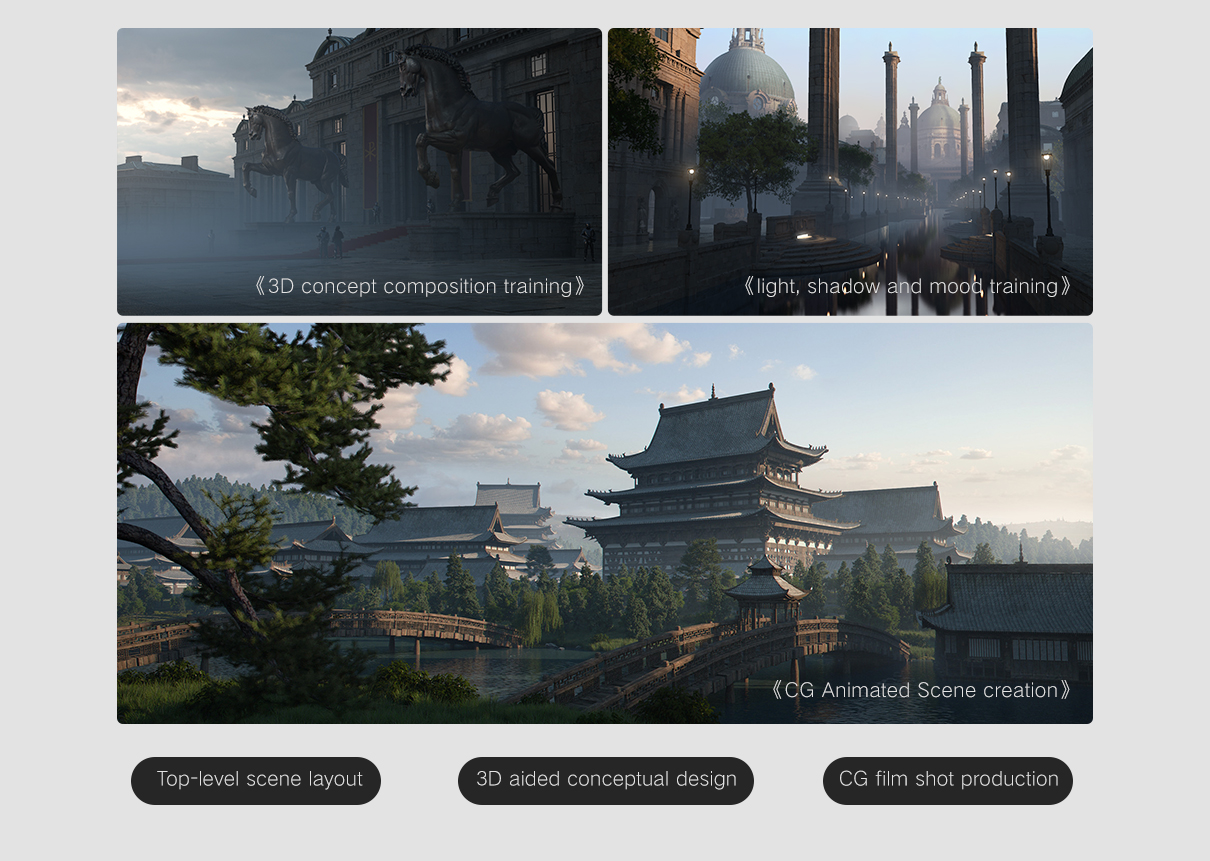
A customized tutorial of 3D concept and environment art, is in order to help student to have a better understanding of Nuke composition.In this tutorial, teacher will walk you through 3D concept art, light, shadow as well how to create terrain and other elements for a scene with 3 different cases. It will provide you with a brand new vision on how to create a big scene for flims.

3D concept composition training
3D concept synthesis training


Core Information
-
By using 3D software to create a quick and efficient 3D concept art workflow:The first step is to use picture materials to replace complicated modeling and focus on composition, light and shadow, as well as mood.

Legth��5 hours 15 mins

Software used��Photoshop��3d Max

light, shadow and mood training
Light and shadow atmosphere for training


Core Information
- From the perspective of layout, overall tone, and the relationship between environment and light and shadow to understand the impact of light and shadow and atmosphere on concept design.

Length��1 hour 14 mins

Software used��Photoshop��3d Max

CG Animated Scene creation
CG dynamic scene production

Core Information
-
This 5-second long shot could be directly used in a film project: We'll use World Machine to generate terrains and elements of a scene to build up a Han and Tang dynasty style scene. In the end, compositing in Nuke to create a CG movie shot by setting animated camera and storyboard.
Length��5hours 20mins
Software used��V-ray��3d Max�� Nuke
| A tutorial that you should not miss out��for 3 reasons |
What you can learn a project workflow used in the industry.
Blizzard Senior Matte Painting Artist Workflow Uncovering

As a senior Matte Painting artist in Blizzard, Anthony Efterhari will share with you his workflow and techniques he used in World of Warcraft series and StarCraft Series.
You will learnthe design thinking from senior artist in the industry.
Design thinking is significant to the Matte Painting.
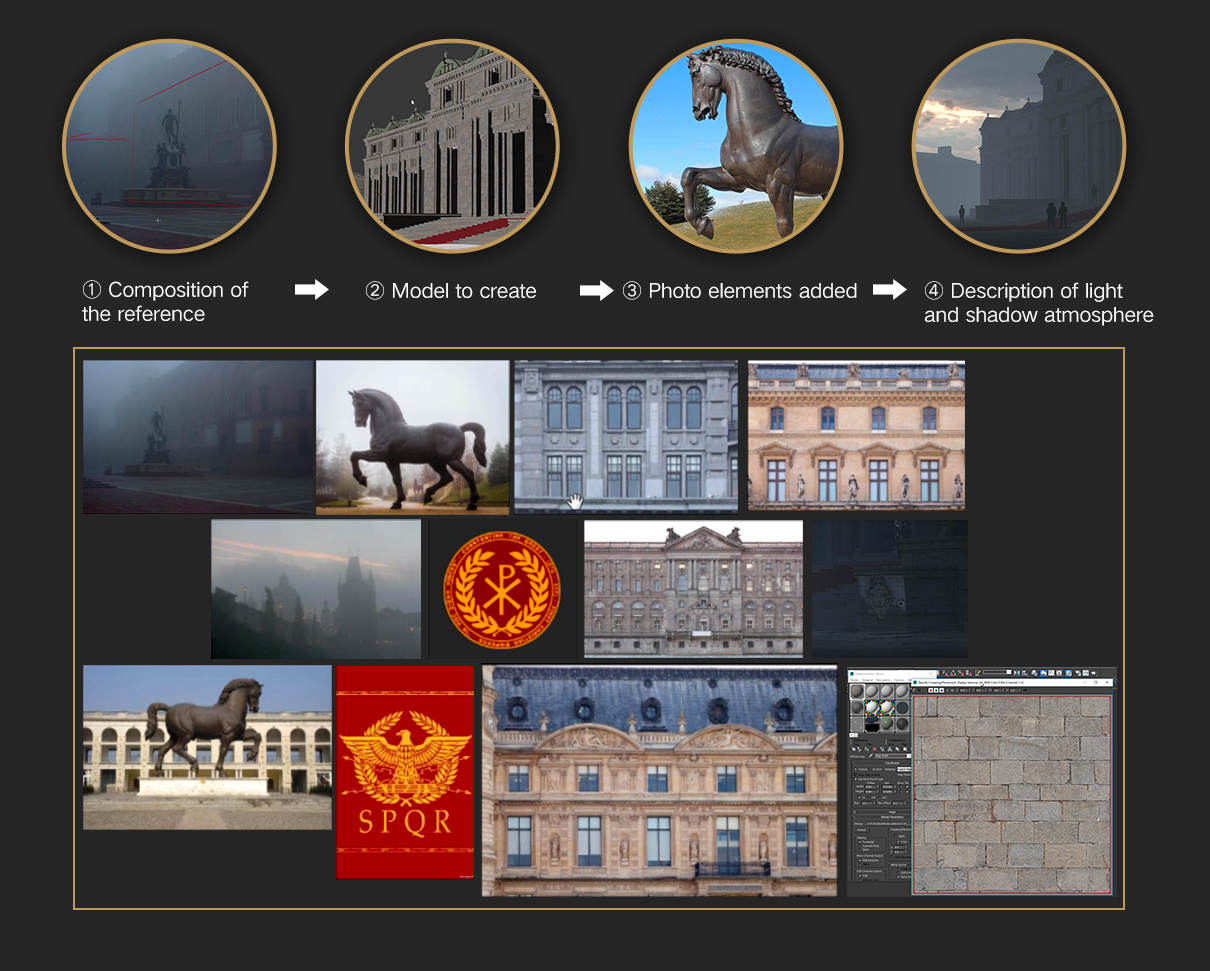
This video series takes you through layout design and the applying of elements as well as how to make a good use of light and shadow. Just as the teacher said in the tutorial, 3D software just is a tool to help you design. What importance is what you want express throught your design.In this tutorial, you will learn how to emphasize your layout and ligth and shadow. This isn't a tutorial about software basic,but it's a tutorial created for intermediate to advanced artists that want to take their work to a higher level.The software is not the point, the design it is.
What you will learn how to create a quick 3D base together with photos to create a clean and stunning piece.
Exclusive Platform
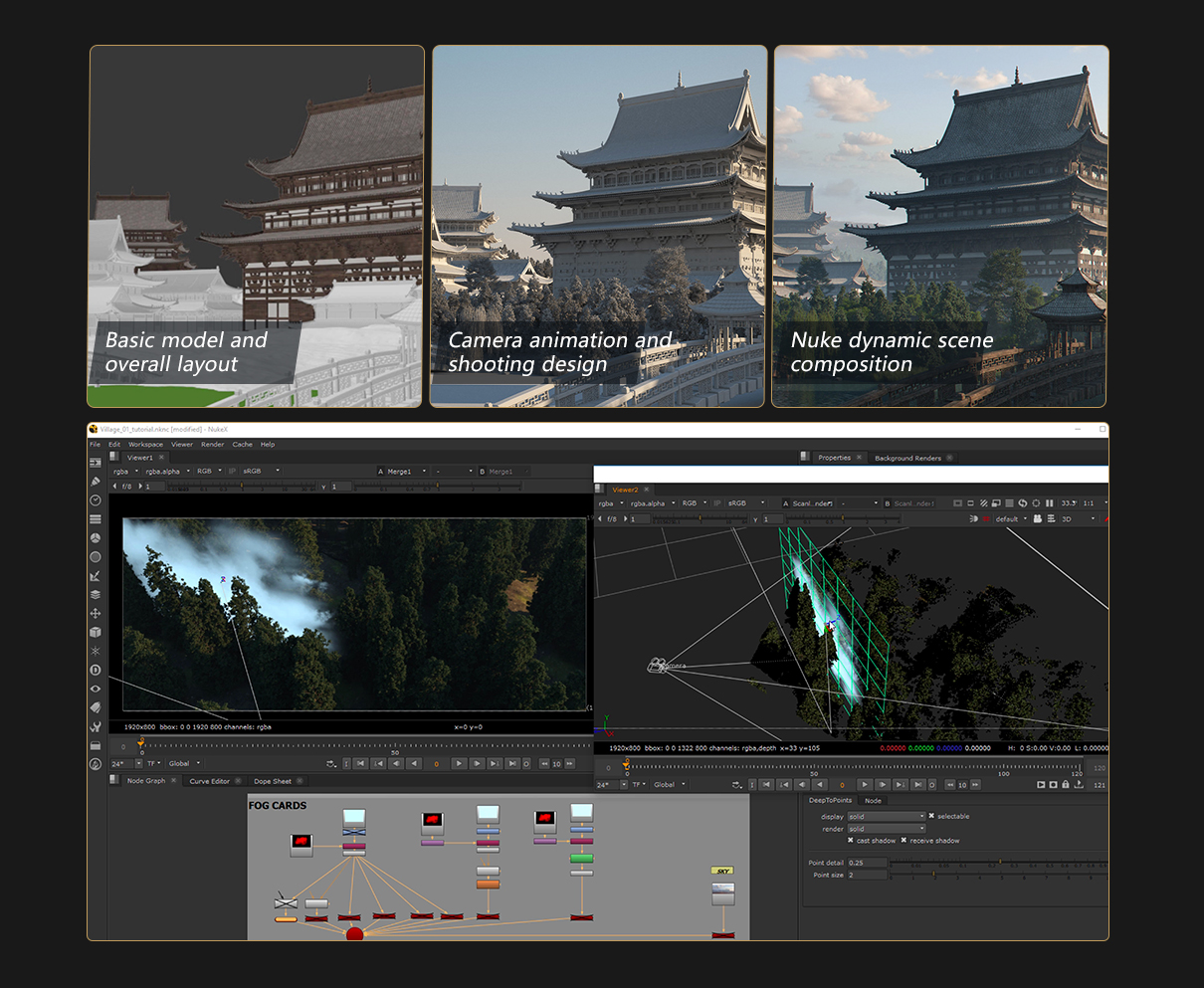
What makes this tutorial is popular? You'll learn a step by step process of modeling, texturing and lighting as well as how to use pictures enhance your scene. No Time-Lapse here! We hope you think it's useful and help to take your work to next level!
| How to buy this tutorial? |

For your convenience, we support Alipay, WeChat Pay and PayPal. For further information and other payment methods, please contact us. Facebook:https://www.facebook.com/alexa.xu.1048 Email��xuyq@goyor.com we would kindly assist you anytime we could.
| Uniques Q&A Service Just for Yiihuu.com Students Providing the Best Assistant as We Could |
Question and Answer Service for You
ONLY for purchasers




Page Q&A
Page Q&A
Learning Group
Exclusive group for the tutorial
If you have any question while learning, please leave your comments on our page.
We'll get back to you and help asap.
You would be invited to our learning group exclusive for the tutorial once enrolled students reach a fair number
Let us be your partner on the road!
| Let the teacher tell you more about this courseto dispel your misgiving |

(Question)
Comparing Matte Painting Tutorial that starts from zero, will this tutorial be a challenge for those who are a new starter?

(Answer)
3D software is just a tool to help.In this tutorial, you'll learn a stey by step proess of modeling, texturing, lighting and creating render passes of painting.However,I'm not going to talk too much of modeling, but try to focus on the part of compositing pictures with the 3D base. All the thing you learn in this tutorial is my years of experience in the industry.

(Question)
What project would use those techniques and workflow��

(Answer)
This tutorial will walk you through how to create a quick 3D base togher with pictures to create a stunning piece, as well as how to create an animated shot in Nuke with painting, and its techniques often used in poster, movie and game concept.
| Tutorial Directory & Update Plan |
-
Introductory Chapter
0. trailerChapter 1: 3D Base with Pictures - The Emperor's City in Twilight - Concept Analysis
1.Elements of concept designChapter 2: 3D Base with Pictures - The Emperor's City in Twilight - Modeling
2. Main Building and the fences
3. Buildings components
4. Scene elements compositing and camera set upChapter 3:3D Base with Pictures - The Emperor's City in Twilight - Lighting Settings
5.Light and shadow
6.Lighting set up and renderingChapter 4: 3D Base with Pictures - The Emperor's City in Twilight - Atmosphere
7. The compositing techniques in PS
8. Atmosphere and projectionChapter 5: 3D Base with Pictures - The Emperor's City in Twilight- Composition
9. Pictures selection principles and keying
10. Correction and Adjustment
11. Adjustment and differentiation
12. Touchup and gradient adjustment
13. Techniques for texture detailing
-
Chapter 6: 3D Base with Pictures - Roman Catholic Church
14.Inspiration and thinking
15. Pictures applying and composition
16. Overall atmosphere adjustment and drawingChapter 7: 3D Animated Shot- The Imperial Palace garden - Workflow introduction
17.Overview
18.Blueprint blocking and designChapter 8: 3D Animated Shot- The Imperial Palace garden- modeling and light rendering
19.Terrain Creation with World Machine
20.Scene Optimization Tips
21.Plan importing and layout
22. Scene adjustment
23. Lighting techniques and renderingChapter 9: 3D Animated Shot- The Imperial Palace garden - Nuke composition
24.Scene elements mapping and importing in Nuke
25.Node editing and addition
26. Camera adjustment
27. Refinement and adjustment
28. Details refinement - Part 1
29. Details refinement - Part 2
30. Atmosphere Adjustment and export.
| �̳����� |
��Ŀ
��ϸ˵��
-
�̳�����
-
����
-
��������
-
��ʱ��
-
ʹ������
-
ϵͳ֧��
-
�ʺ�ѧԱ
-
�����ļ�
-
3D Matte painting+Nuke synthetic��CG movie shot��
-
Anthony Eftekhari
-
HD video
-
12 Hours
-
3D Max��Photoshop��V-ray��Nuke
-
No requirement
-
Visual designer��Concept designer
-
PSD files
| Through this course What will you gain? |
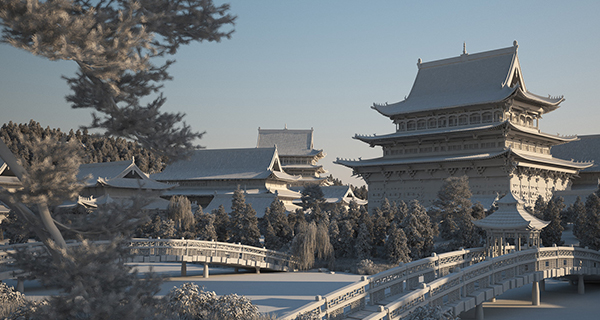
3d software aided conceptual design
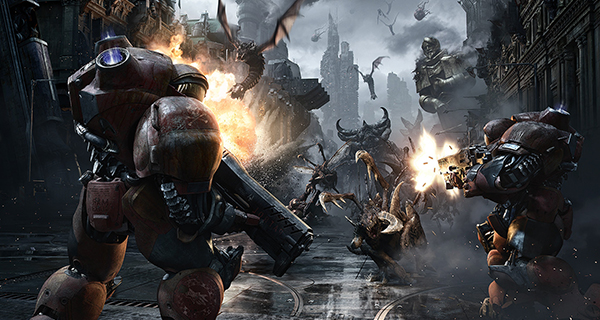
CG dynamic scene production
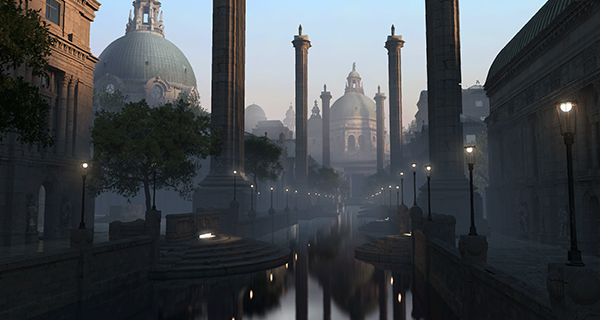
Scene composition and light and shadow learning
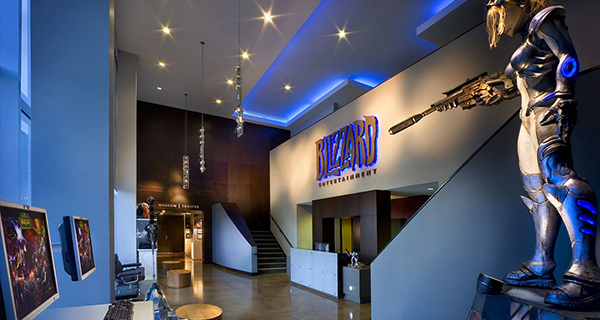
Top company workflow
| Blizzard design master Online teaching |

Anthony Eftekhari
Anthony Eftekhari is a matte painter and concept artist working on feature films, television and games cinematics. He attended the Animation program at Sheridan College in Ontario, Canada where he developed his artistic abilities in drawing and painting.Anthony He currently works for Blizzard Entertainment as part of the award winning Cinematics Team that creates artwork and matte paintings for the video game industry.His most recent projects include matte paintings for the cinematics of Diablo III: Reaper of Souls, World of Warcraft: Mists of Pandaria, Diablo III and StarCraft II: Heart of the Swarm.
ȫ�����CG��̬�ϳ�
������Ƶ�γ����¼ www.yiihuu.com
3d Cg Cinematic Scene Design By Blizzard Master Anthony Eftekhari
Source: https://www.yiihuu.com/a_7908.html
Posted by: ingramgerry1975.blogspot.com
0 Response to "3d Cg Cinematic Scene Design By Blizzard Master Anthony Eftekhari"
Post a Comment